
It is 4:45 on a Friday. A customer is at the front desk asking whether their car is ready. The job card is somewhere on a technician's bench, the quote approval is a missed call, and the invoice will probably go out on Tuesday. Meanwhile the diary says one thing, the spreadsheet says another, and nobody can find the service history for the van that came in last month.
That is the daily cost of running a workshop on paper, spreadsheets and memory.
Vehicle service management software fixes that by putting bookings, job cards, estimates, customer approvals, service history, reminders and invoicing in one place. Every job follows the same path, and every member of the team sees the same information. Whether you call it garage management software, workshop management software or a digital garage management system, the goal is the same: fewer missed appointments, faster approvals and invoices that go out the day the work is done.
This guide explains what the software does, how a job moves through it, what it really costs in the UK, what to check before you buy and how to move across without losing a single record. If you would rather see it working on your own jobs, you can book a demo with 4xcode.
Features and pricing information in this article are general guidance. Last checked: the date of publication. Confirm current details with any supplier before you commit.
What Is Vehicle Service Management Software, and What Can It Do for a UK Garage?
At its simplest, vehicle service management software is a cloud-based system that records and connects everything that happens to a vehicle in your workshop. Customer details, registration, mileage, bookings, inspections, estimates, parts, labour, invoices and service history all live in one centralised database.
The benefit is not just tidiness. When data is entered once and flows through every stage, you stop re-typing the same details onto a diary page, a job card, a quote and an invoice. Fewer hand-offs mean fewer errors and less time spent on administration.
How Does Vehicle Service Management Software Work From Booking to Payment?
Vehicle service management software centralises vehicle records, bookings, job cards, approvals, parts, invoicing and reminders in one system, so each job moves through the workshop without data being re-entered.
Here is how a typical job flows:
- Booking and registration lookup. The customer books online or by phone. Entering the registration pulls up the vehicle and any existing history, so you are not starting from scratch.
- Job card creation and technician assignment. The job card is created in the workshop diary and allocated to a technician, with workshop capacity visible at a glance.
- Digital vehicle health check and estimate. The technician records findings on a tablet or phone, often with photos, and the advisor builds an estimate from parts and labour.
- Customer approval. The customer receives the estimate by SMS or email and approves the work remotely. No more phone tag.
- Parts and labour. Parts are added from stock or ordered through a purchase order, and labour time is logged against the job.
- Invoice and payment. The completed job converts to an invoice, which can be sent and paid without retyping anything.
- Service history updated, next reminder scheduled. The work is recorded against the vehicle, and the next service or MOT reminder is queued automatically.
Picture a small independent garage using this flow. A customer books a service for a Ford Transit Custom. When it arrives, the technician's health check flags worn front brake pads. The advisor sends an estimate with photos. The customer approves from their phone while at work, the pads are fitted the same day, and the invoice is raised before the van leaves. The record then drives the next reminder. That one job touched seven steps, and nobody wrote anything on paper.
The core features, and what each one does for you:
- Workshop diary and online booking. Customers book directly, and you see capacity before you accept the job.
- Digital job cards. Work instructions, notes and technician time stay attached to the vehicle, not a scrap of paper.
- Vehicle service history. Every visit builds a searchable record, which helps with diagnosis and customer trust.
- Automated service and MOT reminders. Customers are prompted to return, which supports retention and fills the diary.
- Parts and stock control. Stock levels, supplier records and purchase orders reduce wastage and delays.
- Accounting integration. Invoices flow to your accounts, which cuts duplicate entry. Check exactly which accounting packages a supplier supports.
- Reporting and analytics. Technician productivity, job profitability and workshop capacity become visible.
- Mobile access. Technicians update jobs on a tablet or phone at the vehicle.
A note on MOT accuracy. Garage software can display a vehicle's MOT history, track expiry dates and send reminders. It does not carry out an official MOT test. Official testing happens through DVSA systems, and software that handles your bookings and records is a separate tool. Be wary of any supplier that blurs the two.
Is Vehicle Service Management Software Suitable for Small Garages, MOT Centres or Fleets?
Yes, but the right fit depends on what you do. Here is how needs differ:
Business type | What matters most |
| Independent garage | Simple booking, job cards, quotes, invoicing and reminders at an affordable monthly price |
| MOT and service centre | MOT history lookup, expiry reminders, fast turnaround and diary control |
| Multi-site workshop group | Multi-location reporting, user permissions and consistent processes |
| Fleet maintenance team | Preventive maintenance schedules, inspection records, downtime and cost tracking |
It helps to understand a distinction that many buyers miss. Workshop management software is built around the customer journey: bookings, job cards, estimates, approvals and invoicing. Fleet maintenance management software is built around the vehicle asset: service intervals by mileage or time, inspections, work orders, downtime and cost per vehicle.
The two overlap, but they solve different problems. A workshop servicing other people's vehicles needs the first. A business running its own vans needs the second. Before you commit to any system, confirm which problem it was designed to solve. If your needs sit across both, ask the supplier exactly how each side is supported.
4xcode note for the web team: confirm which audiences the product serves, and adjust this section to match.
Cloud-Based or Desktop Garage Software: Which Suits Your Workshop?
This is one of the most common buying questions. Both models can work, but they suit different workshops.
- Cloud-based software runs through a web browser or app. You can access it from the workshop, from home or on a tablet in the bay. Updates are applied automatically, and backups are typically handled by the provider. It usually runs on a monthly subscription.
- Desktop software is installed on a specific computer. It can work without an internet connection, and some products use a one-off licence. But access is tied to that machine, and you are responsible for backups and updates.
For most garages that want online booking, customer messaging and mobile access, cloud-based software is the natural fit. Ask any supplier what happens during an internet outage, how often data is backed up, how user permissions work and whether you can export your data at any time. Those answers matter more than a feature list.
How Much Does Vehicle Service Management Software Cost, and What Should You Compare Before Buying?

Prices vary widely, and the headline monthly figure rarely tells the full story. Most suppliers charge by number of users, number of sites and the modules you choose. Then come the extras.
What Does Garage Management Software Cost in the UK, and What Is Included in the Price?
Many comparison pages quote only the monthly subscription. That is a good starting point, but not the whole cost. Here is what to put on the table when you compare suppliers:
Cost element | What to ask |
| Subscription | Is it per user, per site or a flat fee? What happens as you add staff? |
| Setup and onboarding | Is there a one-off fee, and what does it include? |
| Data migration | Is moving your existing records included, or charged separately? |
| Training | Is training included, and for how many staff? |
| SMS and messaging | Are reminders and approval messages charged per message? |
| Vehicle lookups | Are registration or data lookups included or metered? |
| Integrations | Are accounting and payment connections extra? |
| Payment processing | What fees apply to card payments taken through the system? |
| Contract terms | What is the minimum term, and what are the cancellation conditions? |
Pricing note: 4xcode to insert its real plans and figures here. Until then, treat any numbers as placeholders and avoid comparing a low headline price with a fuller package.
The cheapest monthly price is not always the lowest cost. Per-user charges can climb as you grow. Metered SMS and lookup fees can add up. A system that does not integrate with your accounts costs you hours every month in duplicate entry. When you add the whole picture together, the total cost of ownership is the figure that matters.
Then weigh the cost against the return. Think about what an hour of lost administration is worth, what a missed appointment costs and how much work is sitting uninvoiced at the end of each week. Do not trust any supplier that promises a fixed percentage improvement without evidence. Measure your own baseline first.
What Features and Questions Should a Garage Check Before Choosing Workshop Software?
Use this checklist to compare suppliers on equal terms:
- Online booking and diary. Customers can book, and you control capacity.
- Digital job cards and customer approval. Estimates are approved remotely and recorded.
- Service history and reminders. Every visit is logged, and reminders are automatic.
- Parts and stock control. Stock, suppliers and purchase orders are tracked.
- Accounting integration. Name the packages you use, such as Xero, QuickBooks or Sage, and confirm each one is actually supported, and whether the link is native or through a third party.
- Mobile access for technicians. Jobs can be updated at the vehicle.
- Reporting and technician productivity. You can see profitability, labour use and capacity.
- Data ownership, export and exit terms. You own your customer data and can export it at any time.
- Security, backups and support. Know how data is protected, how often it is backed up and how quickly support responds.
Questions to ask any supplier before you sign:
- How long is the minimum contract, and how do I cancel?
- Is the price per user, per site or per module?
- What is included in onboarding and training?
- How are my existing records imported, and who does it?
- What happens to my data if I leave?
- Can I try it with real jobs before committing?
A supplier that answers those directly and in writing is usually one you can trust.
How Do You Move to Digital Job Cards, and How Can You See 4xcode in Action?
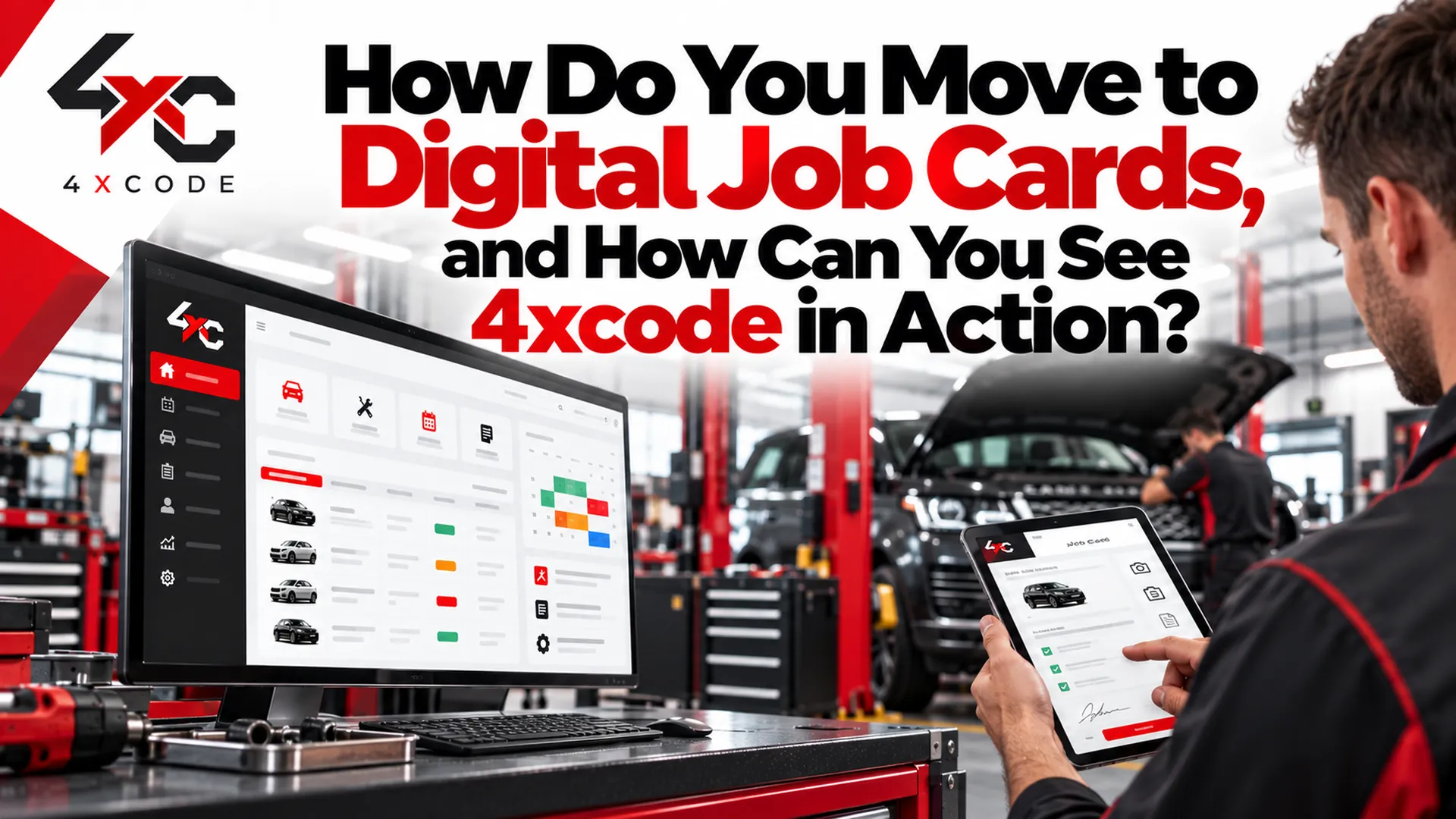
Switching systems is where many garages hesitate. The software looks good, but the idea of moving years of customer and vehicle records feels risky. A little planning removes most of that risk.
How Do You Migrate From Paper Job Cards or Spreadsheets Without Losing Records?
Follow a clear sequence:
- Decide what to bring across. Not everything is worth migrating. Focus on live data.
- Export and clean your records. Remove duplicates and fix obvious errors before import.
- Import customers, vehicles and service history. Check a sample against the originals.
- Set up users and permissions. Decide who can see prices, edit jobs and issue invoices.
- Train the team. Start with the daily tasks: booking in, job cards and invoicing.
- Test integrations. Confirm accounting, messaging and payments before go-live.
- Go live, then review. Run the new system alongside the old one briefly if you need reassurance.
What to migrate:
- Customer records and contact details
- Vehicle details, registrations and VINs
- Service history and previous invoices
- Open jobs and upcoming bookings
- Parts stock and supplier details
What to expect in the first week. Imagine a small garage moving from a paper diary and a spreadsheet. On day one, bookings go into the new diary and the technicians use tablets for job cards. By midweek the team stops writing duplicate notes. By the end of the week the owner notices that invoices are raised the same day, and a customer approves a repair from their phone without a call. That is an illustration, not a guarantee. Your results will depend on your workflow and how well the team is trained.
How to measure return on investment. Track a few numbers before you switch and again after a few months:
- Hours spent on administration each week
- Missed or no-show appointments
- Time from estimate to customer approval
- Time from job completion to invoice
- Repeat bookings from reminders
Those figures tell you whether the system is paying for itself, without relying on a supplier's promises.
Ready to see it on your own jobs? Book a demo of 4xcode vehicle service management software. Bring a typical job, such as a service with an MOT and a repair estimate, and we will walk through it from booking to invoice. We will tell you plainly what the system does well and where it may not fit.
Frequently Asked Questions About Vehicle Service Software
What is vehicle service management software?
It is a system that brings bookings, job cards, estimates, approvals, service history, reminders and invoicing into one place for garages, workshops and fleet teams.
How does vehicle service management software work?
Each job is created once and moves through the workshop. Customer and vehicle details, technician notes, parts, labour and invoices are all linked, so data is not re-entered at each stage.
What is the difference between garage management software and fleet maintenance software?
Garage management software supports businesses that service customers' vehicles, with bookings, job cards and invoicing. Fleet maintenance software supports businesses that run their own vehicles, with service schedules, inspections, downtime and cost tracking.
Is it suitable for small garages?
Yes. Many systems suit one-bay and small independent garages, particularly cloud-based products with simple monthly pricing. Check per-user charges as you grow.
Can customers approve estimates online?
Many systems send estimates by SMS or email, often with photos from the vehicle health check, so the customer can approve remotely. Confirm this feature with your supplier.
Can it send automatic service and MOT reminders?
Yes, many systems do. They track service and MOT expiry dates and prompt customers by SMS or email. Software tracks the dates but does not carry out MOT tests, which go through DVSA systems.
Does it integrate with accounting software?
Many do, with packages such as Xero, QuickBooks or Sage. Always confirm which are supported and whether the connection is native or through a third party.
Can technicians use it on a tablet or phone?
Most cloud-based systems offer mobile or tablet access so technicians can update jobs and record inspections at the vehicle.
How long does implementation take?
It depends on the size of the business and the quality of your existing records. A small garage can often be up and running quickly, while multi-site groups need more planning. Ask for a realistic timeline in writing.
Can I import my existing customer records?
Usually yes, from spreadsheets or other systems. Ask who carries out the import, whether it is charged, and how duplicates are handled.
How secure is cloud-based garage software?
Security depends on the provider. Ask about data encryption, backups, user permissions and where data is stored. Make sure you can export your data at any time.
What happens to my data if I cancel?
You should be able to export your customer, vehicle and service records. Check the contract for export rights and any charges before you sign.
Does it work without an internet connection?
Cloud-based systems generally need a connection. Some offer limited offline functions. Ask how the system behaves during an outage and how data syncs afterwards.
Final Thoughts: Choose the System That Fits How Your Workshop Really Works
The right vehicle service management software does not just digitise your paperwork. It removes the small delays that add up to lost time and lost revenue: the unanswered quote, the forgotten reminder, the invoice that waited until Tuesday.
Choose based on your real workflow. Compare the total cost, not just the headline price. Check data ownership and exit terms. Plan your migration properly. And try the system on your own jobs before you commit.
If you want to see how 4xcode handles a job from booking to payment, book a demo of 4xcode vehicle service management software. Tell us about your garage, how many users you have and what slows you down most, and we will show you exactly how the system would handle it.