

It's 8:47 on a Monday morning. Your reception phone is ringing, a customer is standing at the counter asking why their car isn't ready, and somewhere in the workshop, a technician is hunting through a stack of paper job cards trying to find out which parts were ordered for bay three. Sound familiar?
This is the daily reality for thousands of UK garages still running on paper diaries, spreadsheets, and sticky notes. The problem isn't that garage owners and technicians aren't skilled, it's that the admin side of the business hasn't caught up with how busy modern workshops actually are.
That's exactly the gap garage management software closes. And if you're reading this, you're probably trying to work out whether it's worth switching, what it actually does, and what it should cost. Let's go through all of it properly.
What Is Garage Management Software and How Does It Work?
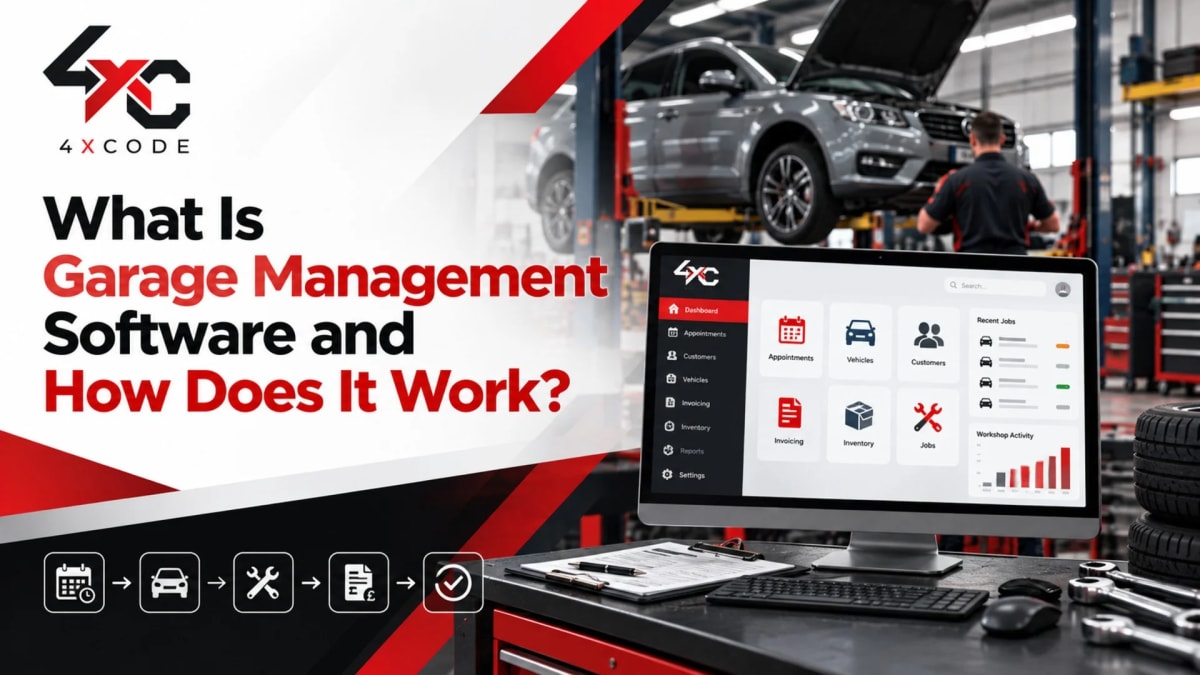
Before comparing features or prices, it helps to understand what this category of software actually is, because "garage management software" gets used loosely, and not every tool that claims the label does the same job.
What Is Garage Management Software?
Garage management software is a digital platform that replaces the paper-based and spreadsheet-based processes a workshop normally relies on, booking diaries, job cards, invoices, customer records, and stock lists, with one connected system.
Instead of a booking living in a diary, a job card living on a clipboard, and an invoice living in an accounting spreadsheet, everything sits in one place. A garage management system typically covers:
- Booking and scheduling, taking appointments and assigning them to bays or technicians
- Job cards, digital records of the work being done on each vehicle
- Customer and vehicle records, service history, contact details, and past jobs
- Estimates and invoicing, quotes that convert into invoices without re-typing anything
- Parts and inventory, stock levels linked directly to job cards
- MOT and service reminders, automated prompts sent to customers before their vehicle is due
In short, it's the operating system for a workshop, not just one tool, but the connective layer between reception, the bays, the parts counter, and the accounts.
How Does Garage Management Software Work, From Booking to Invoice?
The clearest way to understand garage software is to follow a single job through the system from start to finish.
A customer calls or books online. The appointment lands directly in the workshop diary, assigned to an available bay. When the vehicle arrives, reception checks it in digitally, and a digital job card is created automatically, pulling in the vehicle's existing service history and any previous notes.
The technician works from that job card on a tablet or workshop screen, no paper involved. If they spot an additional issue during a digital vehicle inspection, they can attach a photo, add it to the job card, and send it straight to the customer for approval before touching the car. Once approved, the job continues; if not, it's simply removed from the estimate.
Parts used are logged against the job card in real time, which keeps stock levels accurate without a manual stocktake. When the work is finished, the job card converts into an invoice automatically, no retyping the same information three times. The customer pays, often through an online payment link, and the record is stored permanently against that vehicle for next time.
That's the fundamental workflow every garage management platform is trying to streamline: booking → job card → inspection → parts → invoice → payment → history, all without anyone re-entering the same details twice.
The Paper-and-Spreadsheet Way vs the 4xCode Way
Task | Paper & Spreadsheets | 4xCode Garage Software |
| Booking a job | Written in a physical diary, easy to double-book | Synced digitally across every bay in real time |
| Vehicle history | Scattered across old invoices or memory | Instantly searchable by reg number |
| Quote approval | Phone calls back and forth | Customer approves online, with photos attached |
| Parts tracking | Manual stock checks | Live stock levels tied to every job card |
| Invoicing | Retyped from the job sheet | Generated automatically from the job card |
| MOT reminders | Manually tracked or forgotten | Sent automatically by SMS or email |
Who Uses Garage Management Software? (Independent Garages, MOT Centres, Tyre Shops, Mobile Mechanics)
One of the most common misconceptions is that this kind of software is only built for large workshops. In reality, the businesses getting the most value from it are often small and mid-sized independents, because they feel admin pressure the most acutely, with fewer staff to absorb it.
It's used across a wide range of automotive businesses, including:
- Independent garages running general repairs and servicing, where owner-managers often handle admin themselves after hours
- MOT centres that need to track test dates, retest reminders, and DVSA-related records at volume
- Tyre shops with high job turnover and frequent walk-in bookings
- Mobile mechanics who need scheduling and invoicing that works from a phone, not a desk
- Multi-bay and multi-site workshops where visibility across technicians and locations becomes essential
- Dealership service departments managing higher job volumes and stricter reporting requirements
The common thread isn't size, it's the point where manual processes start costing more time than they save.
Key Features of 4xCode Garage Management Software
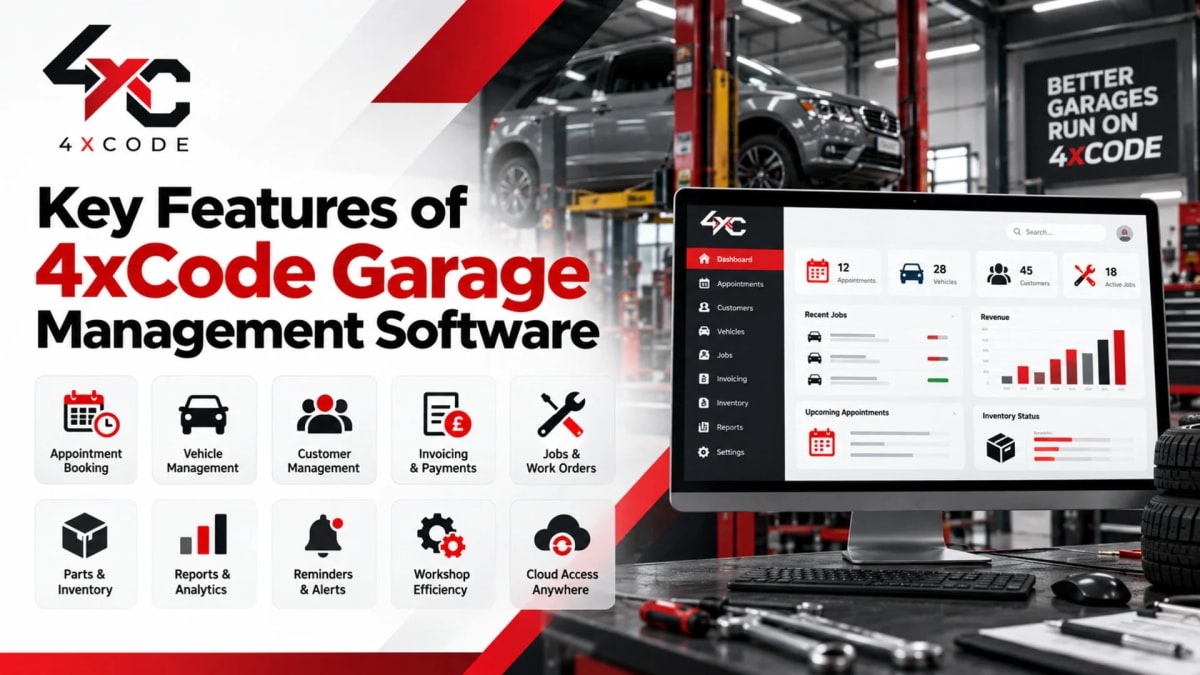
Every garage's needs differ slightly, but there's a core set of features that separates genuinely useful garage software from a glorified spreadsheet. Here's what actually moves the needle.
Digital Job Cards and Workshop Scheduling
The job card is the backbone of any workshop, and digitising it is usually the single biggest improvement a garage makes. A digital job card carries the vehicle's full history, the technician's notes, parts used, labour hours, and photos, all in one record that never gets lost or left in a jacket pocket.
Paired with a live workshop diary, scheduling becomes something reception and technicians can both see in real time. Instead of shouting across the workshop to check if a bay is free, everyone's looking at the same synced calendar.
How Do You Stop Double-Bookings Between Reception and the Bays?
Double-bookings almost always come down to one thing: reception and the workshop working from different information. A paper diary at the front desk has no idea what's actually happening at bay two.
Digital scheduling solves this by giving both reception and technicians access to the same live calendar. When a slot is booked, it updates everywhere instantly, no phone calls needed to confirm bay availability, and no awkward conversations with customers about delays that could've been avoided.
Garage CRM and Automated MOT & Service Reminders
Winning a customer once is easy. Getting them to come back for their next MOT, service, or tyre change, instead of Googling "garage near me" again, is where garage CRM functionality earns its keep.
A proper garage CRM keeps every customer's contact details, vehicle history, and communication preferences in one searchable record. Combined with automated reminders, it turns a one-off customer into a repeat one without any manual chasing.
How Do You Bring Customers Back Before They Go to Another Garage?
The garages that retain customers best aren't necessarily the cheapest, they're the ones that remember to get in touch first. Automated MOT and service reminders, sent by SMS, email, or WhatsApp, prompt customers before their vehicle is due, well before a competitor's marketing does.
This single feature is often responsible for a meaningful chunk of repeat revenue, because it removes the reliance on the customer remembering to book, which, in reality, most don't.
Estimates, Invoicing and Online Payments
Manually writing quotes and typing invoices from scratch is one of the most time-consuming parts of running a garage, and one of the easiest to eliminate. When estimates convert directly into invoices, there's no duplicated data entry and far less room for pricing errors.
Online payment links also shorten the gap between finishing a job and actually getting paid, rather than waiting on a cheque or a bank transfer that "will go through by Friday."
How Do You Get Paid Faster With Online Quote Approvals?
Traditionally, getting a customer to approve extra work meant a phone call, an awkward explanation, and often a missed connection that delayed the job by hours. With online quote approval, the customer receives the estimate, often with photos from the inspection, and can approve it from their phone in seconds.
This does two things: it speeds up how quickly work can actually start, and it creates a clear digital record of what was approved, which protects the garage if there's ever a dispute later.
Parts and Inventory Management
Nothing stalls a job faster than discovering, mid-repair, that a part isn't in stock. Integrated parts inventory management ties stock levels directly to job cards, so as parts are used, the system updates automatically instead of relying on someone remembering to log it later.
How Do You Stop Running Out of Stock or Chasing Purchase Orders?
Low-stock alerts flag parts that need reordering before they run out completely, and purchase orders can often be raised directly from within the platform. This removes the scramble of a technician standing at a half-finished job, waiting on a part that should have been ordered two days earlier.
Digital Vehicle Inspections and Reporting
A digital vehicle inspection replaces the old paper checklist with a structured, photo-backed report the customer can actually see and understand, not just a technician's handwriting they have to trust blindly.
How Do You Get Customers to Approve Work Faster?
Customers approve extra work faster when they can see the problem, not just be told about it. A photo of worn brake pads attached to the estimate does more to build trust, and speed up approval, than a verbal explanation ever will. This is also where reporting and analytics tools come in, giving garage owners visibility into which jobs, technicians, and services are driving the most revenue, rather than relying on gut instinct at the end of the month.
How Much Does Garage Management Software Cost in the UK?

This is usually the question garage owners actually want answered first, and it's also the area where a lot of comparison pages stay vague. Let's be specific.
What Affects the Cost of Garage Management Software?
Pricing for garage management software in the UK typically depends on a combination of factors, rather than a single flat fee. The main variables include:
- Number of users or technicians, some providers charge per seat, others offer unlimited users within a plan
- Deployment type, cloud-based software is usually billed monthly, while older desktop systems may involve a larger upfront licence fee
- Included features, basic booking and invoicing costs less than a plan bundling CRM, inventory, and digital inspections together
- SMS and communication costs, automated reminders sometimes carry a per-message cost depending on volume
- Setup and migration, moving existing customer and vehicle data into a new system can be included or charged separately
- Support level, email-only support is typically cheaper than a dedicated account manager or phone support
Understanding which of these apply to a quote is far more useful than comparing headline prices alone, since two providers quoting similar monthly fees can end up costing very different amounts once add-ons are factored in.
Is There Free Garage Management Software?
Some providers offer free plans or free trials, usually aimed at very small operations, think a single mechanic managing a handful of jobs a week. These free tiers are generally limited in scope, often capping the number of job cards, users, or customer records, and may leave out features like MOT reminders or inventory tracking entirely.
Free plans can be a reasonable way to test whether digital job cards suit your workflow before committing. But most growing garages outgrow them fairly quickly, particularly once they need reporting, multi-user access, or integrations with accounting software.
4xCode Pricing, What's Included, No Hidden Fees
At 4xCode, pricing is built around transparency, the kind that's often missing from this space. There are no surprise setup charges buried in the fine print, no per-message penalties for sending a routine MOT reminder, and no confusing tiered add-ons that turn a simple monthly fee into a guessing game.
What you see in a quote is what you pay, with data migration and onboarding support included as standard rather than billed separately. If you want an exact figure for your workshop size, get in touch with the 4xCode team for a straightforward quote, no obligation, no sales pressure.
How to Choose the Right Garage Management Software (FAQ)
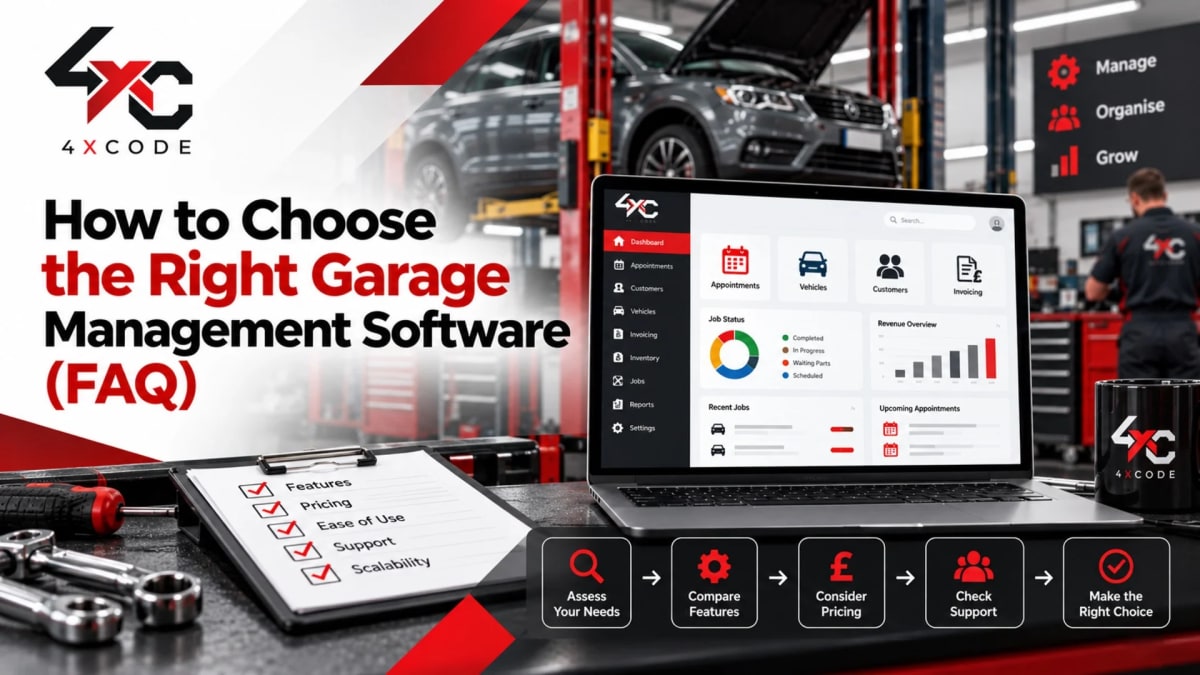
With the features and pricing covered, the last piece is knowing how to actually evaluate your options, and how to make the switch without disrupting the business you're running today.
What Should You Look for When Comparing Garage Software?
Not every feature matters equally to every garage, but a few things are worth checking regardless of size:
- Ease of use, if technicians find it clunky, adoption fails within weeks, no matter how powerful the feature list looks
- Cloud access, being able to check the schedule or a job card from a phone matters more than most owners expect until they have it
- Genuine UK support, including familiarity with MOT and DVSA-related workflows, not a generic international tool retrofitted for the UK market
- Transparent pricing, clear monthly costs with no unexplained add-ons
- Data ownership, the ability to export your customer and vehicle data if you ever decide to leave
- Integrations, compatibility with accounting tools like Xero or QuickBooks, and payment processors like Stripe
A demo is usually the fastest way to separate a genuinely good fit from a system that only looks good in a sales pitch.
Garage Management Software for Small Garages vs Multi-Site Workshops
A one- or two-technician garage and a multi-site workshop group need very different things from the same category of software, even though the core features overlap.
Consideration | Small / Independent Garage | Multi-Site Workshop |
| Priority | Simplicity, speed of setup, low cost | Oversight across locations, standardised reporting |
| User count | Usually 1–3 users | Often 10+ users across sites |
| Reporting needs | Basic job and revenue tracking | Comparative performance across bays and sites |
| Support needs | Simple onboarding, minimal training | Structured rollout, staff training across teams |
| Key risk if wrong fit | Paying for unused features | Losing visibility into individual site performance |
A single-bay garage rarely needs multi-site reporting dashboards, and a ten-site workshop group will quickly hit the ceiling of a tool built only for solo operators. Matching the software to your actual scale, not your ambitions five years from now, usually leads to a better outcome.
How Do You Switch Garage Software Without Losing Customer Data?
Switching systems is often the single biggest hesitation garage owners have, and it's a fair concern, customer history and vehicle records represent years of built-up value. Done properly, though, migration doesn't have to be risky.
A sensible switching process generally follows these steps:
- Export existing data, customer records, vehicle history, job history, and supplier details from the current system or spreadsheets
- Clean the data, remove duplicates and outdated records before importing anything new
- Migrate in stages, import customer and vehicle records first, then historical job data
- Run both systems briefly in parallel if possible, to catch any gaps before fully switching over
- Train the team, a short, focused session usually gets technicians and reception comfortable within a day or two
- Set a clear go-live date, and back up the old data regardless, even after migration is complete
Most reputable providers, 4xCode included, handle the technical side of migration directly rather than leaving a garage owner to export spreadsheets manually at midnight.
Frequently Asked Questions
Does Garage Software Send Automatic MOT Reminders?
Yes. Most modern garage management platforms, including 4xCode, send automated MOT and service reminders by SMS, email, or WhatsApp ahead of a vehicle's due date, without requiring anyone at the garage to track dates manually.
Can I Try 4xCode Before I Buy?
Yes. 4xCode offers a trial period so garage owners can test digital job cards, scheduling, and invoicing with real jobs before committing to a plan. This is the most reliable way to confirm the software fits your workshop's actual day-to-day routine, not just its feature list.
Can Garage Software Work on a Mobile Phone?
Most cloud-based garage management platforms, 4xCode included, are accessible from a phone or tablet, which matters particularly for mobile mechanics or technicians who need to check a job card without walking back to a desktop.
Does Garage Software Integrate With Accounting Tools Like Xero or QuickBooks?
Many platforms support direct integration with accounting software such as Xero or QuickBooks, allowing invoices and payments to sync automatically rather than needing to be re-entered for bookkeeping.
How Long Does It Take to Set Up Garage Management Software?
Setup time varies depending on how much historical data needs migrating, but a straightforward implementation for a small or mid-sized garage typically takes a few days to a couple of weeks, including staff training.
The Bottom Line
Running a garage well shouldn't mean spending your evenings chasing invoices, hunting for a lost job card, or trying to remember which customer's MOT is due next week. The workshops that grow fastest tend to be the ones that stopped treating admin as something to survive and started treating it as something to systemise.
Garage management software isn't about replacing the skill of your technicians, it's about making sure that skill isn't wasted on paperwork. Booking, job cards, parts, invoicing, and customer communication working from one connected system frees up hours every week that can go back into the actual work: fixing cars and keeping customers coming back.
If you're ready to see what that looks like for your own workshop, book a free demo with 4xCode and find out exactly how much time, and revenue, your garage could be getting back.